
ANDROID
Step 1: Begin by downloading the IPTV Smarters app from this URL: https://www.iptvsmarters.com/smarters.apk
Step 2: Open the downloaded app and enter the login information.
Step 3: Enter the login details provided after subscription and press “Add User.”
Step 4: Wait for a few seconds.
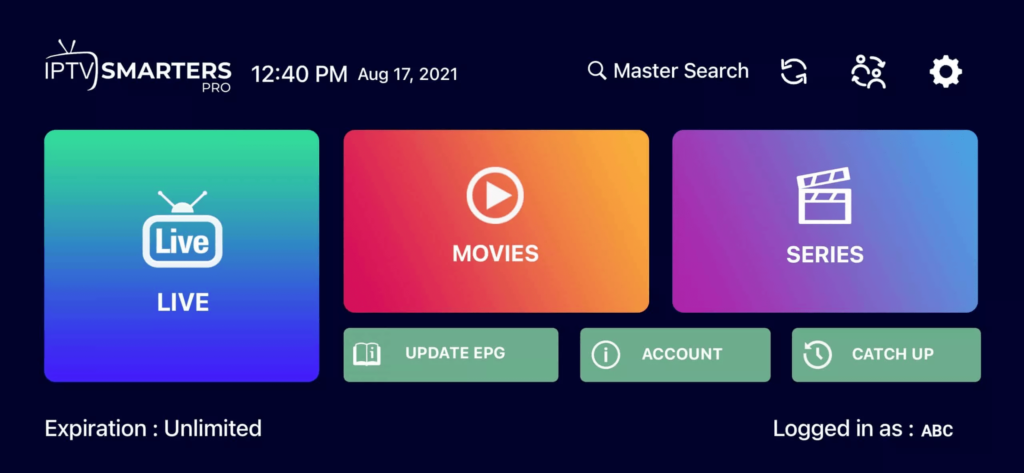
Step 5: Click on the “Live TV” icon as shown in the image.
Step 6: Now, select the channel group you want to watch and proceed to the next section.
Step 7: Click on the channel name, then double-click on the small screen to go full screen in the final step.
WINDOWS / MAC
Installation on Windows:
Download the IPTV Smarters application by clicking here.
Installation on MAC:
Download the IPTV Smarters application by clicking here.
FIRETV STICK
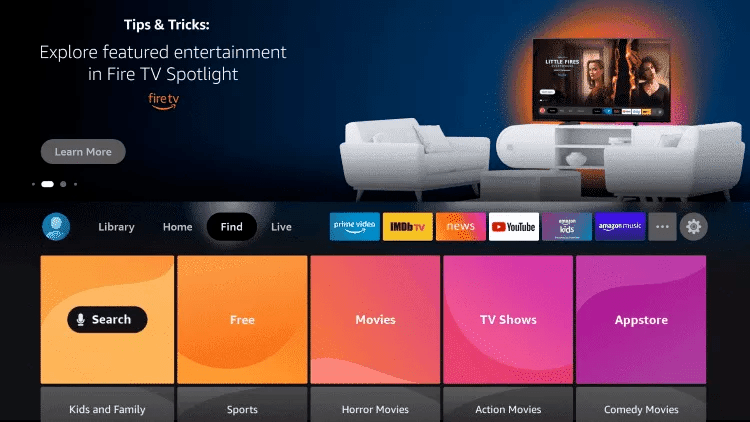
2. Click on Search.
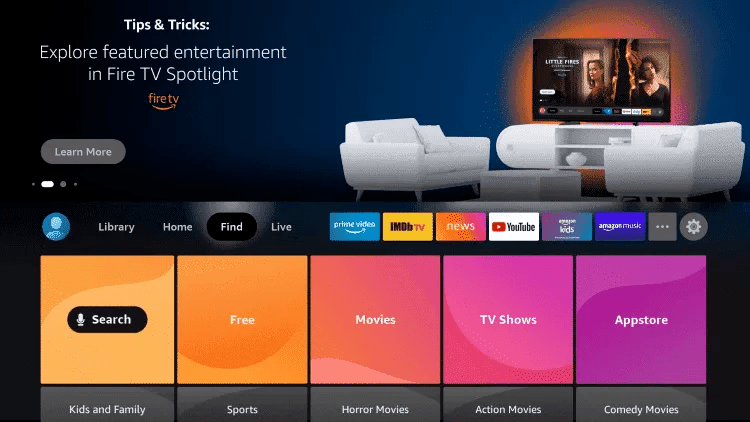
3.Search for and select Downloader
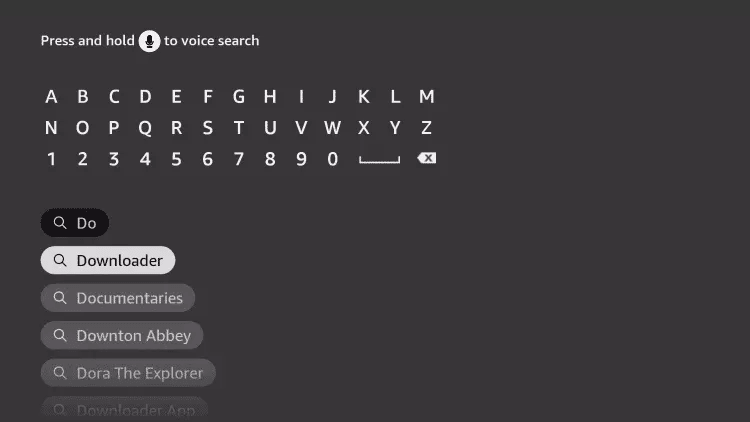
4.
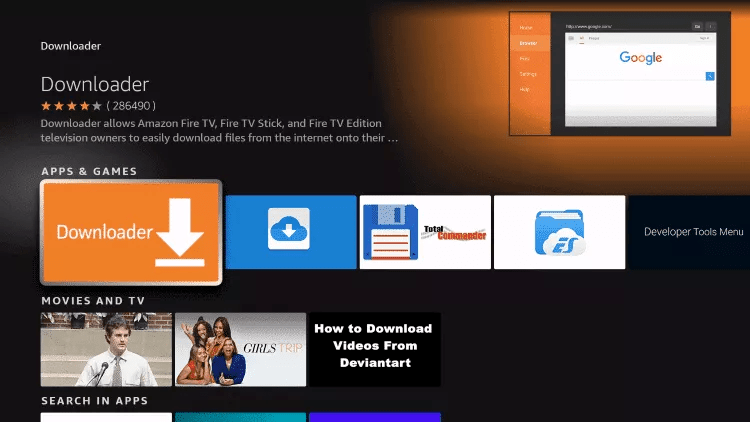
5.
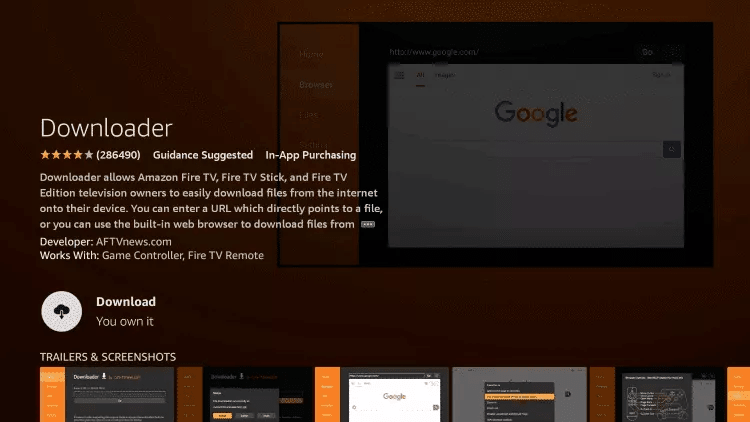
6.Once the application installation is complete, click on Open.
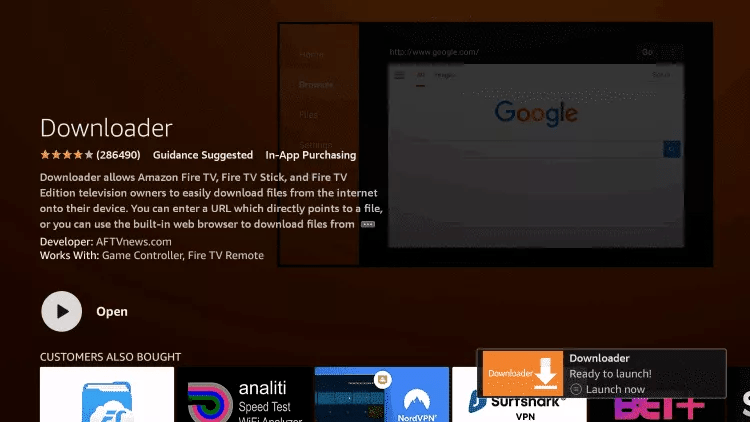
7.Go back to the home screen and open Settings.
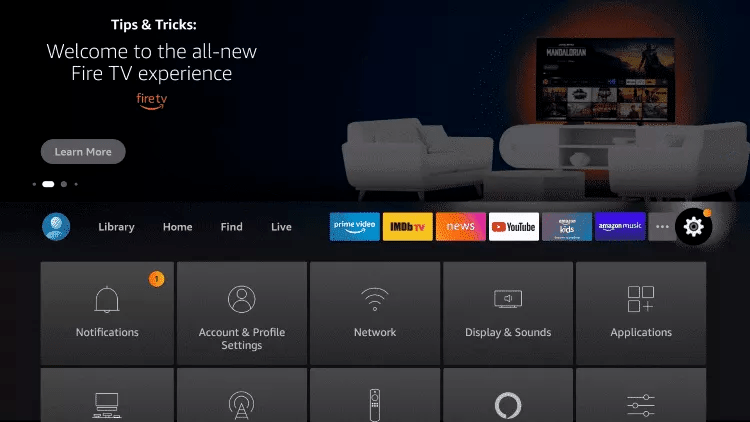
8.Click on My Fire TV.

9.Select Developer options.
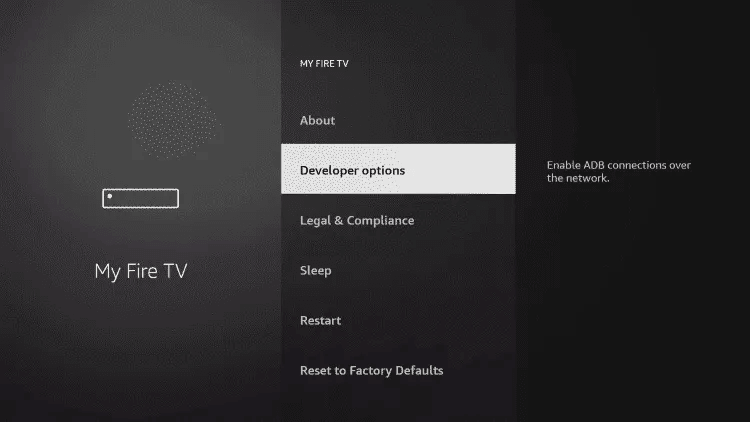
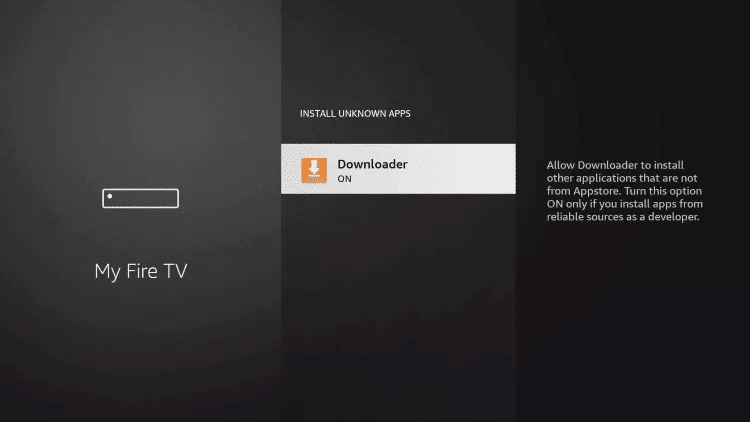
10.Click on Install Unknown Apps.

11.Find the Downloader app and click on it.

12.This will enable Unknown Sources for the Downloader app, allowing sideloading on your device.
13.Launch Downloader.
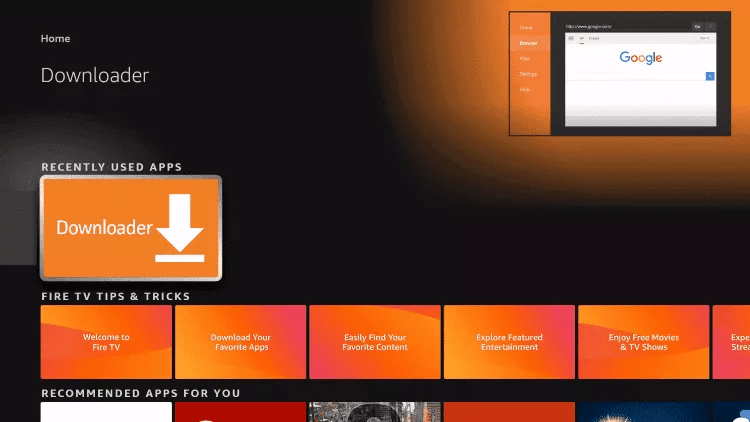
14. Click on Allow

15. Click on Allow.

16.Type the following URL exactly as shown: https://www.iptvsmarters.com/smarters.apk and click on Go.

17.Wait for the file to download.

18. Click on Install.
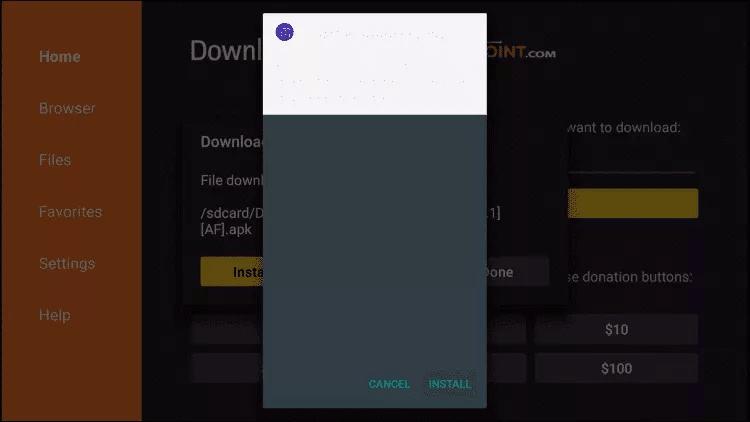
19. Click on done
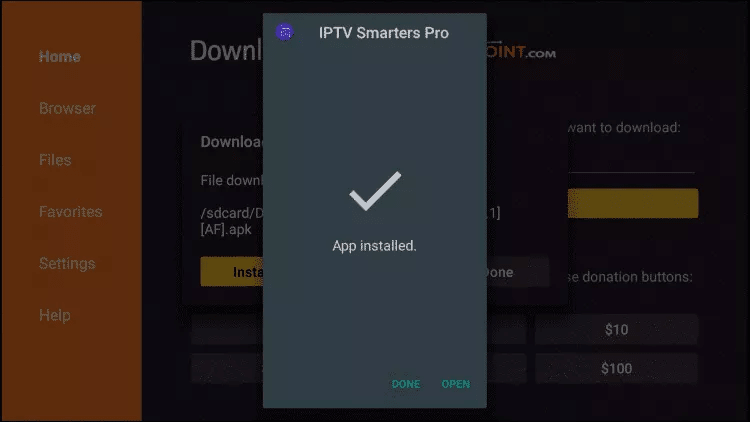
20.Open IPTV Smarters IPTV, then select Connect with Xtream API.
21.Enter the login information that we sent you via WhatsApp, email, or chat.

Smart TV
For Samsung Smart TV:
Step 1: Press the Smart Hub button on your remote.
Step 2: Search for IPTV Smarters Pro to install it.
Step 3: Log in to the application with your subscription details: username, password, portal URL.
For LG Smart TV:
Step 1: Press the Home button on the remote and go to LG Content Store.
Step 2: Search for IPTV Smarters Pro to install it.
Step 3: Log in to the application with your subscription details: username, password, portal URL.